
Takes a minute. You need an account in the app and admin rights in a Telegram channel or group. No documents needed.
Open "Become a partner"
In the app, open your profile and tap "Become a partner". The same button is at the end of the home page. If you're not signed in yet, the app asks you to sign in: with an email code, Google or Telegram.
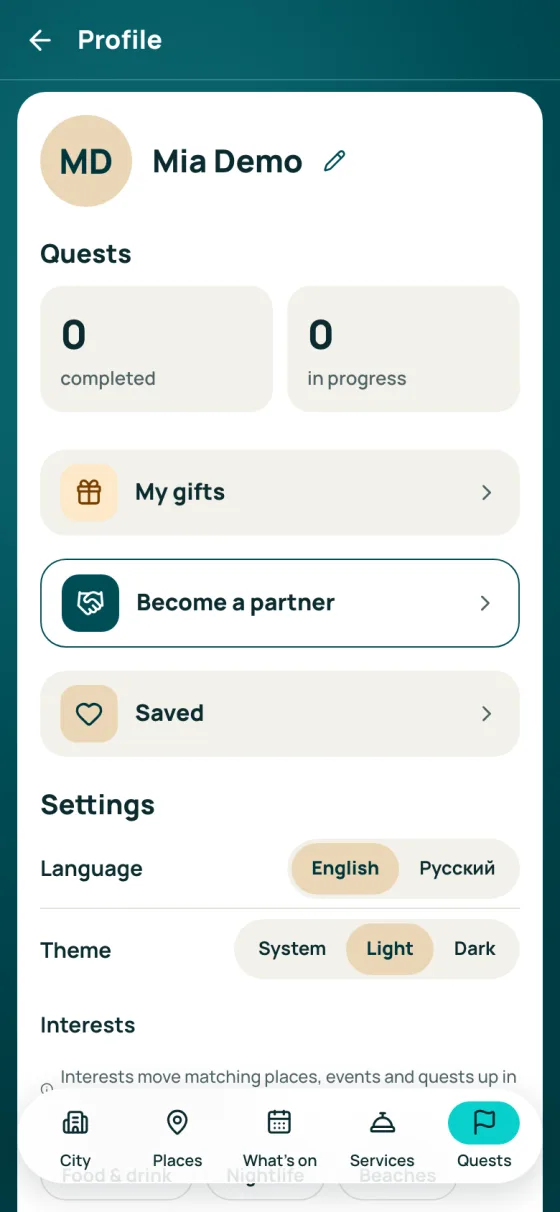
"Become a partner" in the profile Pick "Community" and open the bot
Tap "Community", then "Open the bot". The link works for 30 minutes. If our editors sent you a link to the bot, open it — the result is the same.
Tip: No Telegram channel or group? Tap "No Telegram channel? Send us a link" and paste a link to the community on Facebook, WhatsApp, LINE or its website. Our editors add the card and send a sign-in link to the dashboard to the community's contact.
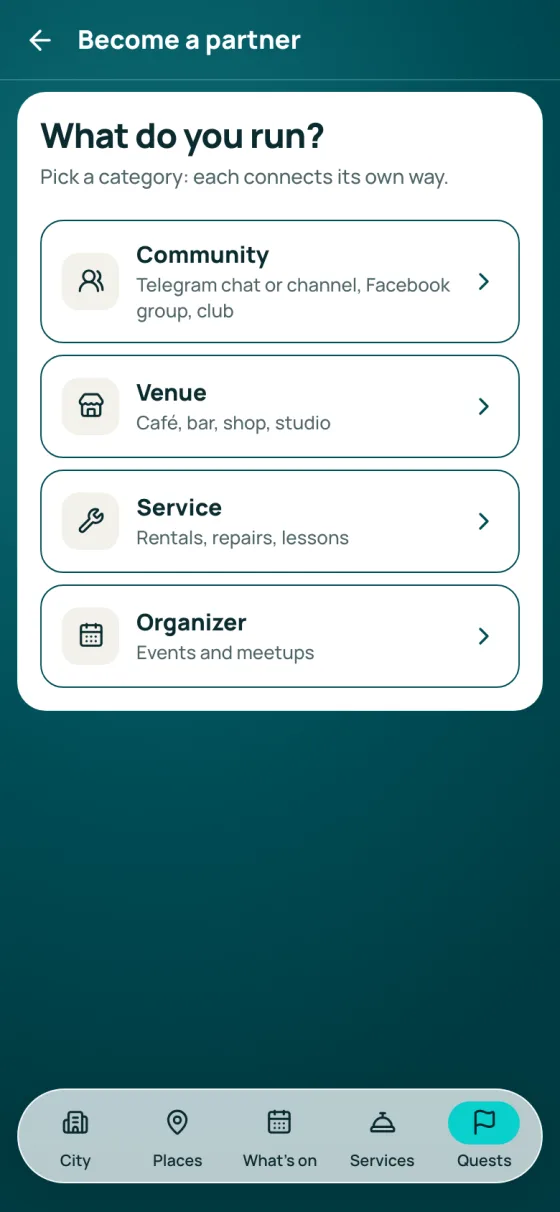
Picking a category 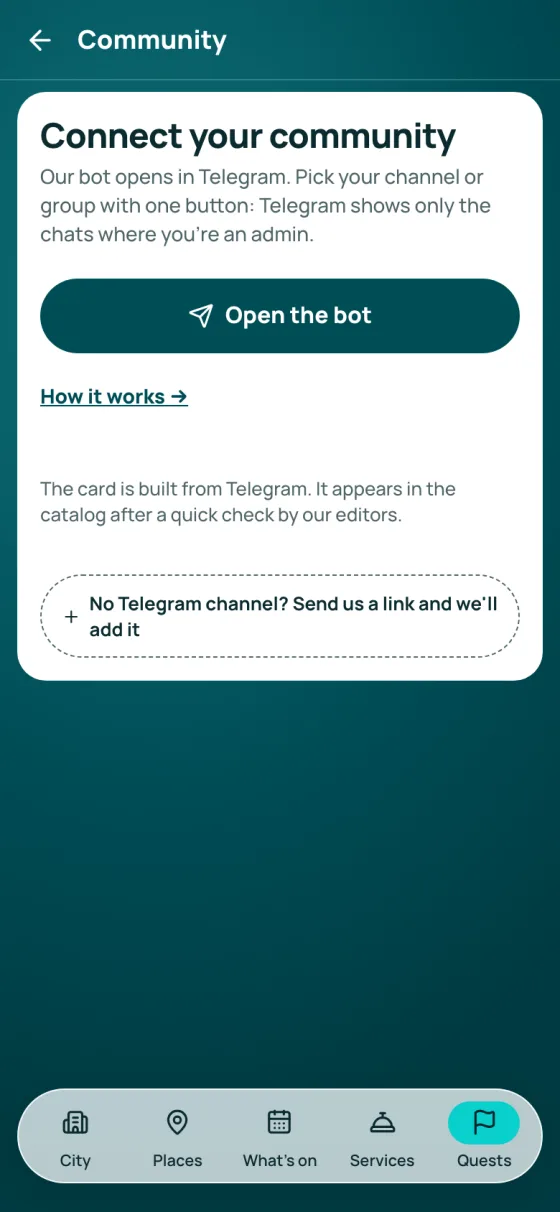
"Community": the bot or a link Pick your channel or group
The bot shows two buttons, "Pick a channel" and "Pick a group". Telegram lists only the chats where you're an admin and adds our bot there itself:
- to a channel — as an admin with one right, "Post messages";
- to a group — as a member; you can make it an admin later.
We check again that the bot is in the chat and that you're its admin.
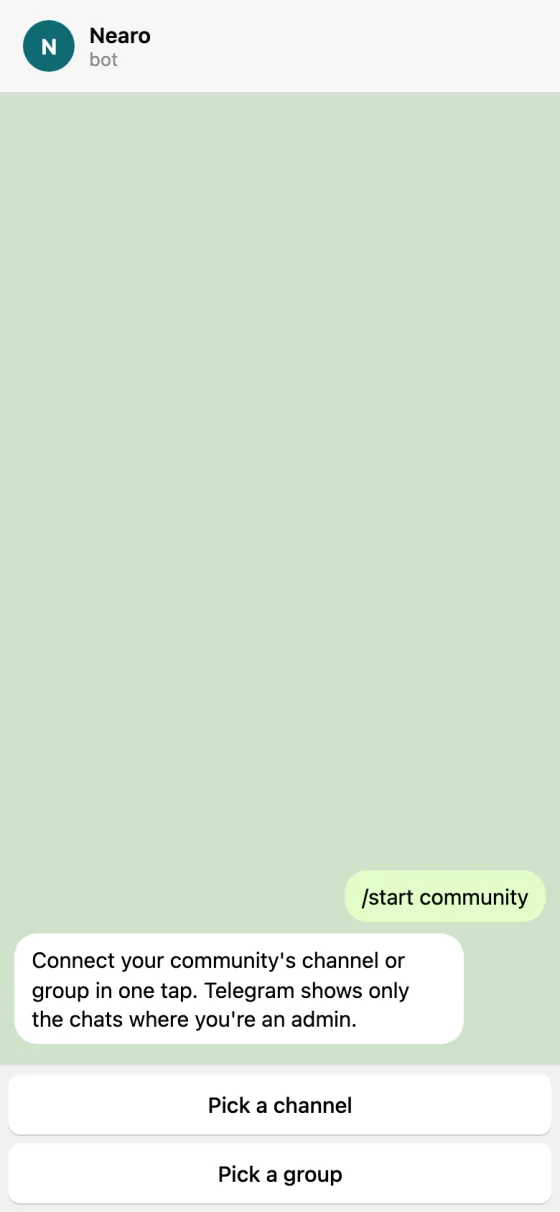
The picker buttons in the bot Open the dashboard
The bot replies "Done" with an "Open dashboard" button. The card is already built from public Telegram data: name, description, avatar, @username and the subscriber count of a public channel. Pick a topic and add links to your other platforms.
By connecting, you accept the listing rules. The dashboard works right away; the community appears in the catalog after a quick check by our editors.
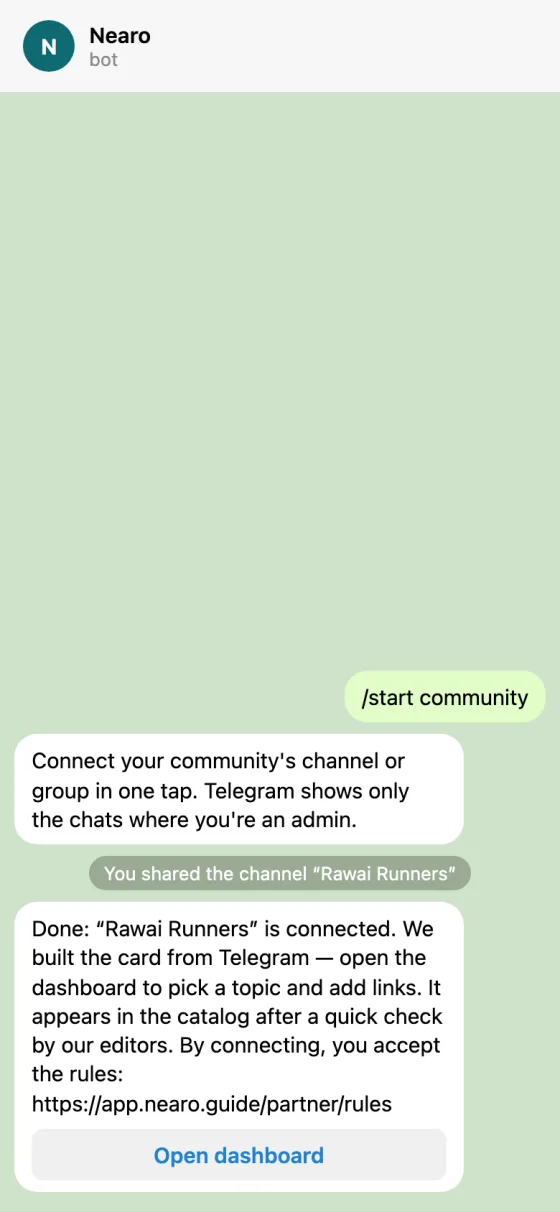
The bot's reply and "Open dashboard"
Tip: The bot stays in your channel or group and can later post your event announcements. You turn posts on separately in the dashboard.
If something's wrong
- "That didn't work: you need to be an admin who can add the bot"
- in a channel you need the right to add admins, in a group the right to add members. Ask the chat's owner for that right, or let them connect it.
- "This community is already connected"
- it has an owner on Nearo. Ask them to invite you to the team.
- The bot says Telegram didn't add it
- tap "Add the bot" in its message — the connection then finishes by itself.
- "This link has expired"
- start again from “Become a partner” in the app.
- "This community is linked to a source on the stop list"
- we don't list such communities.
- The community isn't in the catalog after 3 days
- email support@nearo.guide or send /support to our bot @nearo_guide_bot.