
The seven rules for businesses, where to write, and how to ask to remove your card.
Rules for businesses
You accept them when you get access, and again in the dashboard when a new version comes out. They apply to every venue, service and organizer you run.
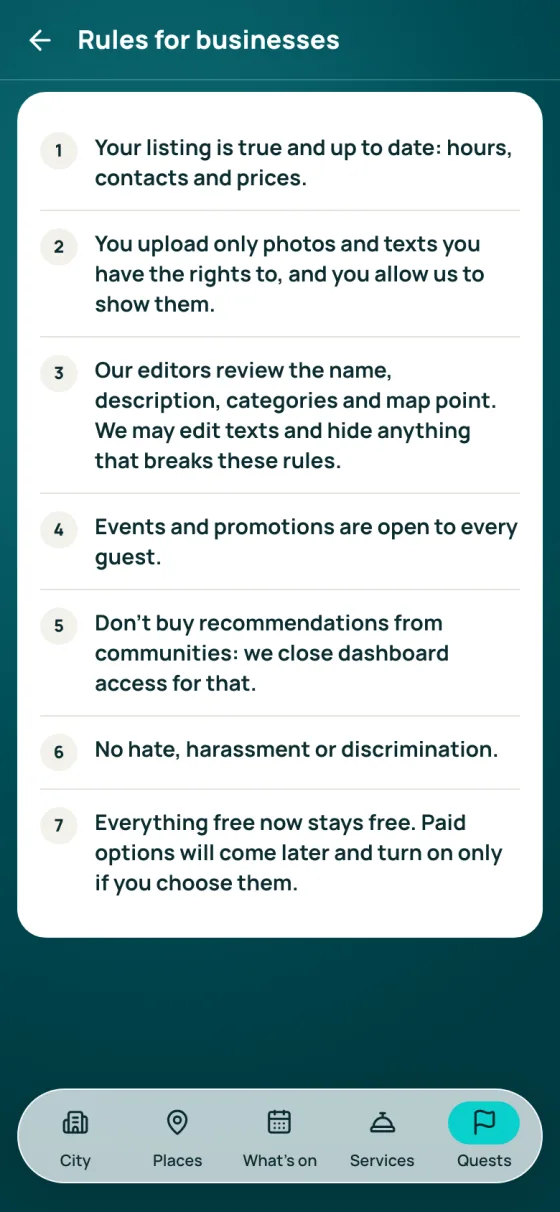
- Your listing is true and up to date: hours, contacts and prices.
- You upload only photos and texts you have the rights to, and you allow us to show them.
- Our editors review the name, description, categories and map point. We may edit texts and hide anything that breaks these rules.
- Events and promotions are open to every guest.
- Don't buy recommendations from communities: we close dashboard access for that.
- No hate, harassment or discrimination.
- Everything free now stays free. Paid options will come later and turn on only if you choose them.
The full text is also in the dashboard: Settings → "Rules for businesses".
The rules for businesses Support
Email support@nearo.guide — it's also in the dashboard: Settings → Support. Or send /support to our bot @nearo_guide_bot in a private chat — we reply there.
Removal
The owner sends the request at the bottom of Settings. Our editors take your team off the card and decide what happens to the card itself; this can't be undone from the dashboard. We review the request within 7 business days.