
Takes a minute if you have a Telegram channel. No documents needed.
Open "Become a partner"
In the app, open your profile, tap "Become a partner" and pick "Organizer". The same button is at the bottom of the home page. If you're not signed in yet, the app asks you to sign in: with an email code, Google or Telegram.
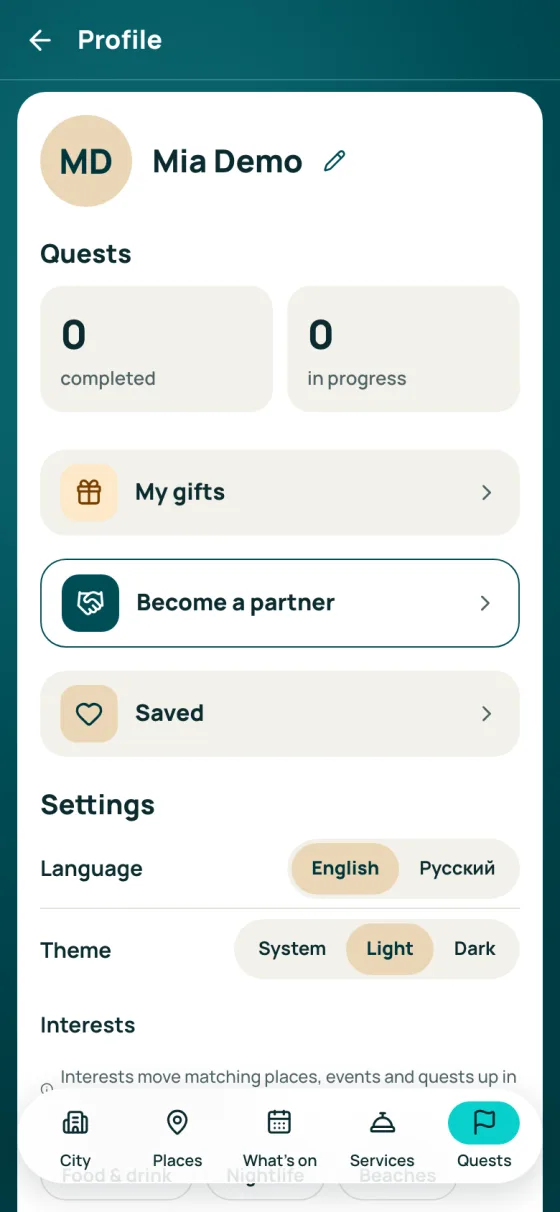
"Become a partner" in the profile 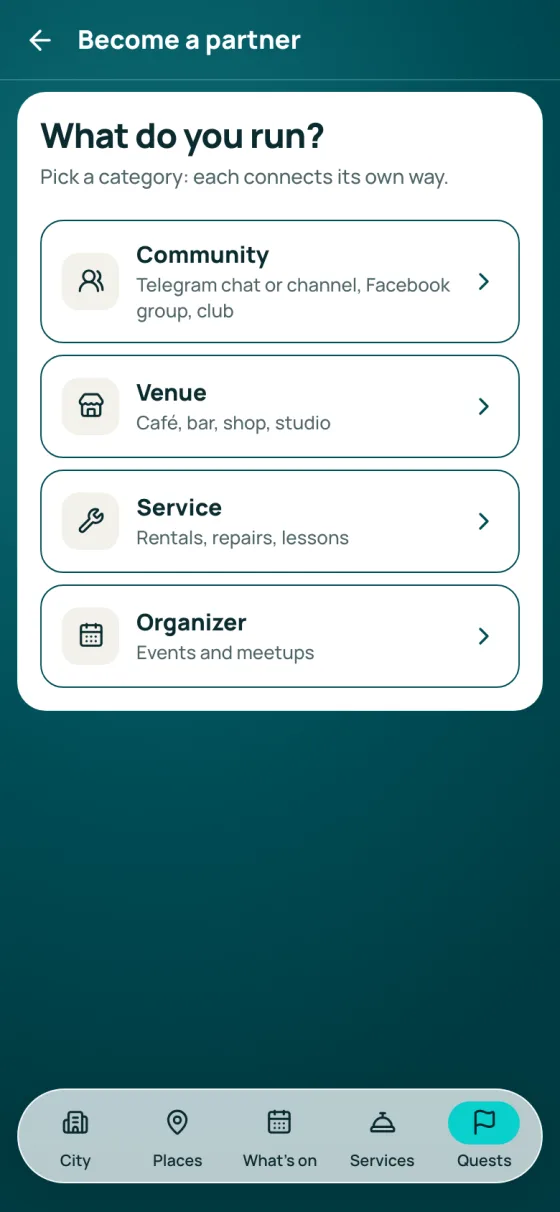
Picking a category Choose a way
The screen has two options.
"We have a Telegram channel"
Our bot opens. Tap "Pick a channel": Telegram lists only the channels where you're an admin and adds the bot there itself. The organizer page is built from the channel — name, description, logo and link; the bot then leaves the channel.
"Send a link to your site or page"
Paste one link and tap "Send". Our editors add the organizer from official sources and send a sign-in link to the dashboard to its contact within 3 days.
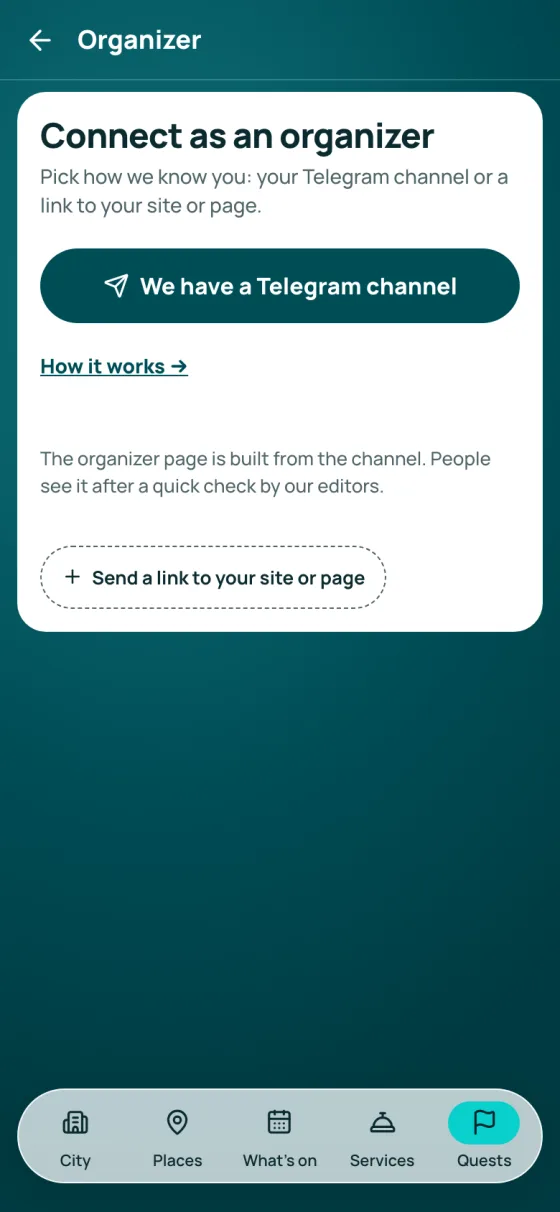
"Organizer": a channel or a link
By connecting, you accept the rules for businesses. The dashboard works right away; people see the organizer page after a quick check by our editors.
If something's wrong
- "That didn't work: you need to be an admin who can add the bot"
- you need the right to add the channel's admins. Ask the channel's owner, or let them connect it.
- "This organizer is already connected"
- it has an owner on Nearo. Ask them to invite you to the team.
- The page isn't visible after 3 days
- email support@nearo.guide or send /support to our bot @nearo_guide_bot.